
Creating Eye-Catching Book Covers: A How-To Guide
Wednesday, April 15, 2026

Your book cover is the first impression readers will have of your work. In a marketplace flooded with millions of titles, a captivating cover can mean the difference between a scroll-past and a sale. This comprehensive guide will walk you through every step of creating a book cover that not only catches the eye but also communicates the essence of your story.

Step 1: Understanding Your Genre's Cover Trends
Before you begin designing, you need to understand what readers in your genre expect. Genre conventions exist for a reason - they signal to potential readers exactly what type of book they're looking at within seconds.
Research your competition: Spend time browsing bestseller lists in your genre on Amazon, Barnes & Noble, and other retailers. Take screenshots of covers that catch your eye and analyze what they have in common.
- Romance covers often feature couples, warm colors, and elegant typography
- Thrillers tend toward dark, moody imagery with bold, impactful fonts
- Fantasy frequently showcases magical elements, detailed illustrations, and ornate lettering
- Literary fiction often opts for minimalist, artistic designs
- Self-help books typically use clean layouts with strong, readable titles
The goal isn't to copy what's already out there, but to understand the visual language that speaks to your target audience. Your cover should fit comfortably within its genre while still standing out.
Step 2: Finding Inspiration
Inspiration can come from anywhere, but it helps to have a structured approach to gathering ideas that will inform your design direction.
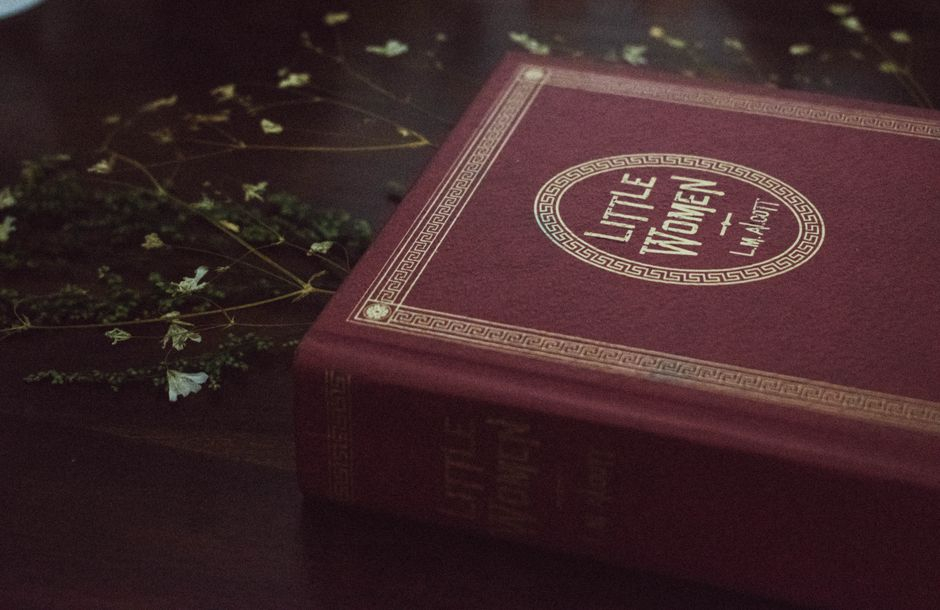
Create a mood board: Use Pinterest, Canva, or even a physical corkboard to collect images, colors, textures, and typography that evoke the feeling of your book. Include:
- Color palettes that match your book's mood
- Photographs or illustrations with relevant themes
- Font styles that appeal to you
- Covers from other books you admire
- Artwork, textures, or patterns that resonate with your story
Look beyond book covers too. Film posters, album artwork, magazine layouts, and fine art can all provide fresh perspectives and unexpected ideas that set your cover apart.
Step 3: Mastering the Basic Elements of Design
A successful book cover balances three fundamental elements: color, typography, and imagery. Understanding how these work together is essential for creating a cohesive, professional design.
Color Psychology
Colors evoke emotions and set expectations. Choose your palette intentionally:
- Red: Passion, danger, excitement - perfect for romance or thrillers
- Blue: Trust, calm, melancholy - works well for literary fiction or memoirs
- Green: Nature, growth, envy - ideal for environmental themes or fresh starts
- Black: Mystery, sophistication, darkness - common in horror and noir
- Gold/Yellow: Warmth, optimism, wealth - great for uplifting stories or historical fiction
Limit your palette to 2-3 main colors plus neutrals. Too many colors create visual chaos and make your cover look amateur.
Typography That Speaks
Your title is often the largest element on your cover, so font choice matters immensely. Consider these guidelines:
- Serif fonts convey tradition, elegance, and seriousness
- Sans-serif fonts feel modern, clean, and accessible
- Script fonts suggest romance, creativity, or personal connection
- Display fonts can add personality but use them sparingly
Critical tip: Your title must be readable at thumbnail size. Test your design at small dimensions—if readers can't read your title in an Amazon search result, you'll lose sales.
Imagery That Captivates
Whether you use photography, illustration, or abstract design, your imagery should instantly communicate something about your book's content and tone.
- Choose a single focal point rather than cluttering with multiple elements
- Ensure images are high resolution (300 DPI minimum for print)
- Consider how the image will look in both color and grayscale
- Leave space for your title and author name
- Avoid clichéd imagery that readers have seen a thousand times
Step 4: Aligning Your Cover with Your Book's Theme
Your cover makes a promise to readers. It must accurately represent what's inside, or you'll end up with disappointed readers and negative reviews.
Ask yourself these questions:
- What is the primary emotion readers will feel while reading?
- What is the central theme or message of your book?
- Who is your ideal reader, and what visual style appeals to them?
- What makes your book unique, and how can the cover hint at that?
A cozy mystery shouldn't have a cover that looks like a gritty crime thriller. A heartwarming romance shouldn't feature dark, ominous imagery. Misaligned covers confuse readers and hurt sales.

Step 5: Choosing Your Design Approach
You have several options for creating your cover, each with different costs, time investments, and skill requirements.
Professional Design Services
Hiring a professional cover designer is often the best investment you can make in your book. Expect to pay anywhere from $200 to $2,000+ depending on the designer's experience and the complexity of your cover.
- Search for designers who specialize in your genre
- Review their portfolio carefully
- Ask for references from previous clients
- Get a clear contract outlining deliverables and revision policies
- AuthorHub.io can hook you up.
DIY Design Tools
If you're on a tight budget or have design skills, these tools can help you create professional-looking covers:
- Canva: User-friendly with book cover templates (free and paid options)
- Adobe InDesign/Photoshop: Industry standard but steep learning curve
- GIMP: Free alternative to Photoshop
- Book Brush: Specifically designed for author marketing materials
- Pixelmater Pro: Macintosh alternative to Photoshop
Step 6: Budget-Friendly Tips
Creating a stunning cover doesn't have to break the bank. Here are practical ways to achieve professional results on a budget:
- Use stock photos wisely: Sites like Unsplash, Pexels, and Pixabay offer free high-quality images
- Invest in one premium element: A custom font or single stock image can elevate a simple design
- Consider premade covers: Many designers sell pre-designed covers for $50-150
- Trade skills: If you have a skill another author needs, consider a swap
- Start simple: Minimalist designs can be just as effective as complex ones

Step 7: Testing and Gathering Feedback
Before you finalize your cover, it's crucial to test it and gather honest feedback. Your own attachment to your design can blind you to its weaknesses.
The Thumbnail Test
Shrink your cover to thumbnail size (around 100 pixels wide). Can you still:
- Read the title clearly?
- Identify the main image or focal point?
- Get a sense of the genre?
- Distinguish it from other covers nearby?
Gathering Quality Feedback
Not all feedback is created equal. Seek input from:
- Your target readers: Their opinion matters most
- Other authors in your genre: They understand market expectations
- Design communities: Subreddits like r/bookcovers can provide honest critiques
- Facebook groups: Many author groups have cover feedback threads
Important: Ask specific questions rather than just "What do you think?" Try questions like "What genre does this cover suggest?" or "Would you pick this up in a bookstore?"
A/B Testing
If you have multiple strong options, consider running a poll or using tools like PickFu to test which cover resonates more with your target audience. The data you gather can be invaluable in making your final decision.
Final Thoughts
Creating a captivating book cover is both an art and a science. It requires understanding your market, mastering design fundamentals, and being willing to iterate based on feedback. Remember that your cover is a marketing tool first - its job is to attract the right readers and convince them to learn more about your book.
Take your time with this process. A cover that took weeks to perfect will serve you far better than one rushed out in a day. Your book deserves a cover that does justice to the story inside.
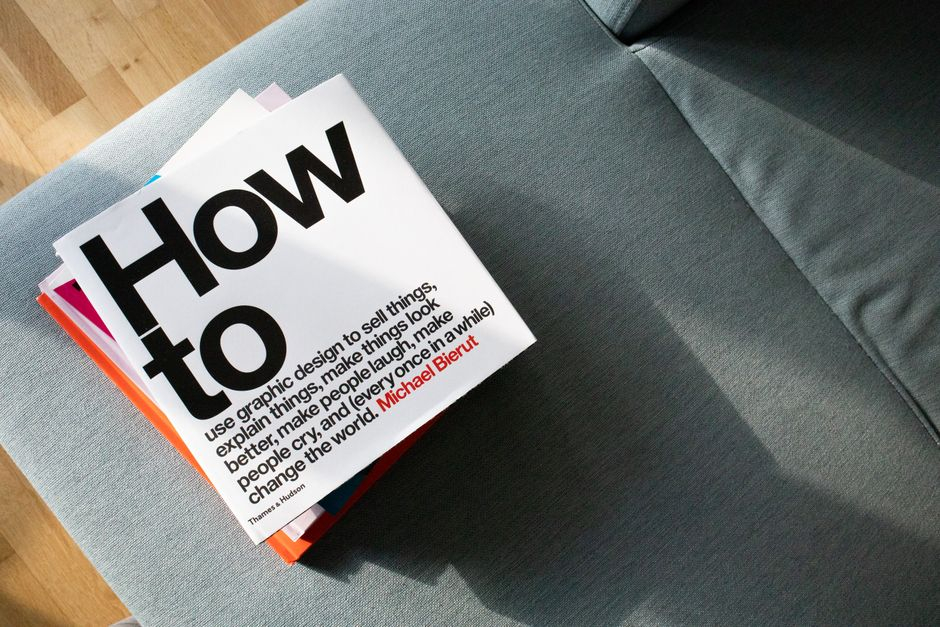
Now go create a cover that makes readers stop scrolling and start reading.

Hi, I'm Tim Hewitt
CEO of AuthorHub.io
I won my first writing scholarship in high school by beating more than 300 other writers in a nationwide contest, and that award gave me something money couldn't buy: the belief that my words mattered. Since then I've spent decades learning what makes writing work: how to find your voice, how to keep readers turning pages, marketing that really sells books, and how to spot the small craft problems that quietly sink good stories. This blog is where I share everything I've picked up along the way.